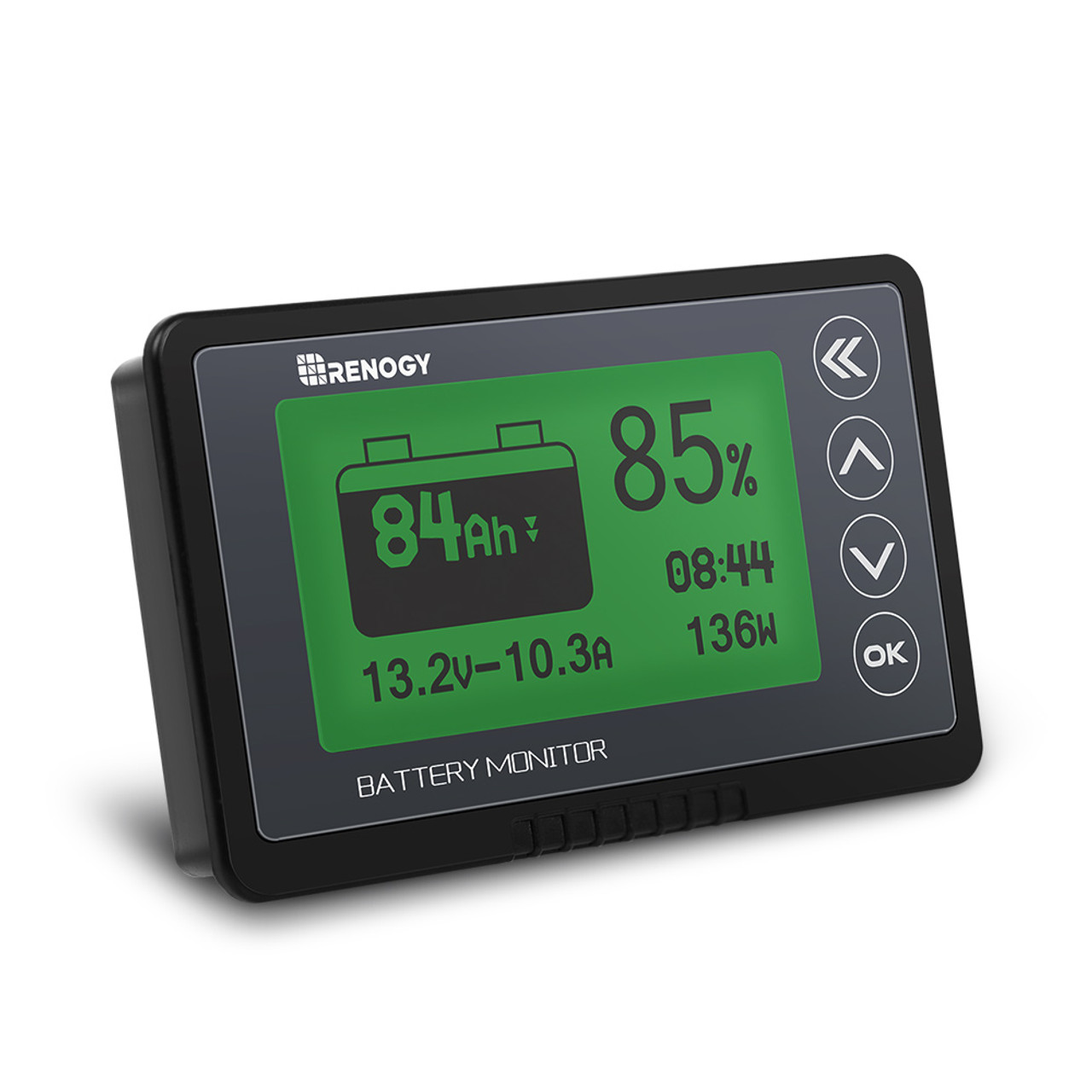
Troubleshooting Renogy 500A Battery Monitor
Apr 20th 2023
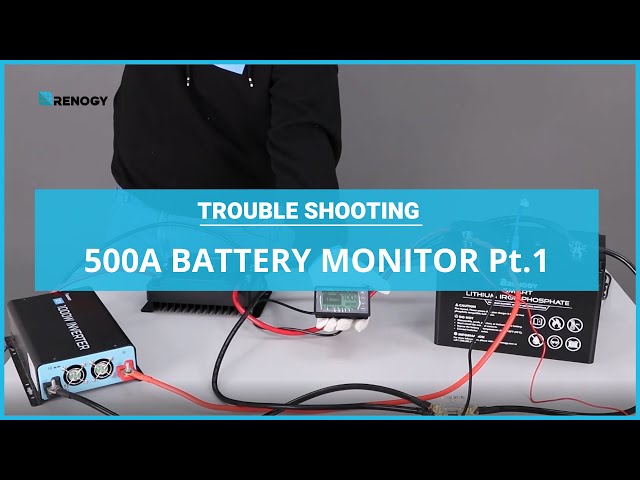

Learn how to troubleshoot your Renogy 500A Battery Monitor by checking the wiring connections. If the monitor doesn't turn on, start by inspecting the battery's positive terminal and ensure it's connected to the charger, inverter input, and the monitor. Next, verify the wiring of the monitor's negative shunt, which should be connected to the charger and inverter input. Measure the voltage between the positive and negative ends of the diverter; if it falls within 10-120 volts, the monitor will work correctly. If any issues persist, contact Renogy for a replacement, providing images of the battery's positive wire, shunt wire, and the screen terminal.